Configurable channels
Choose 1, 2 or 4 standard- or high-definition channels and combine two cameras into one video file when required.
 Discuss your setup ↗︎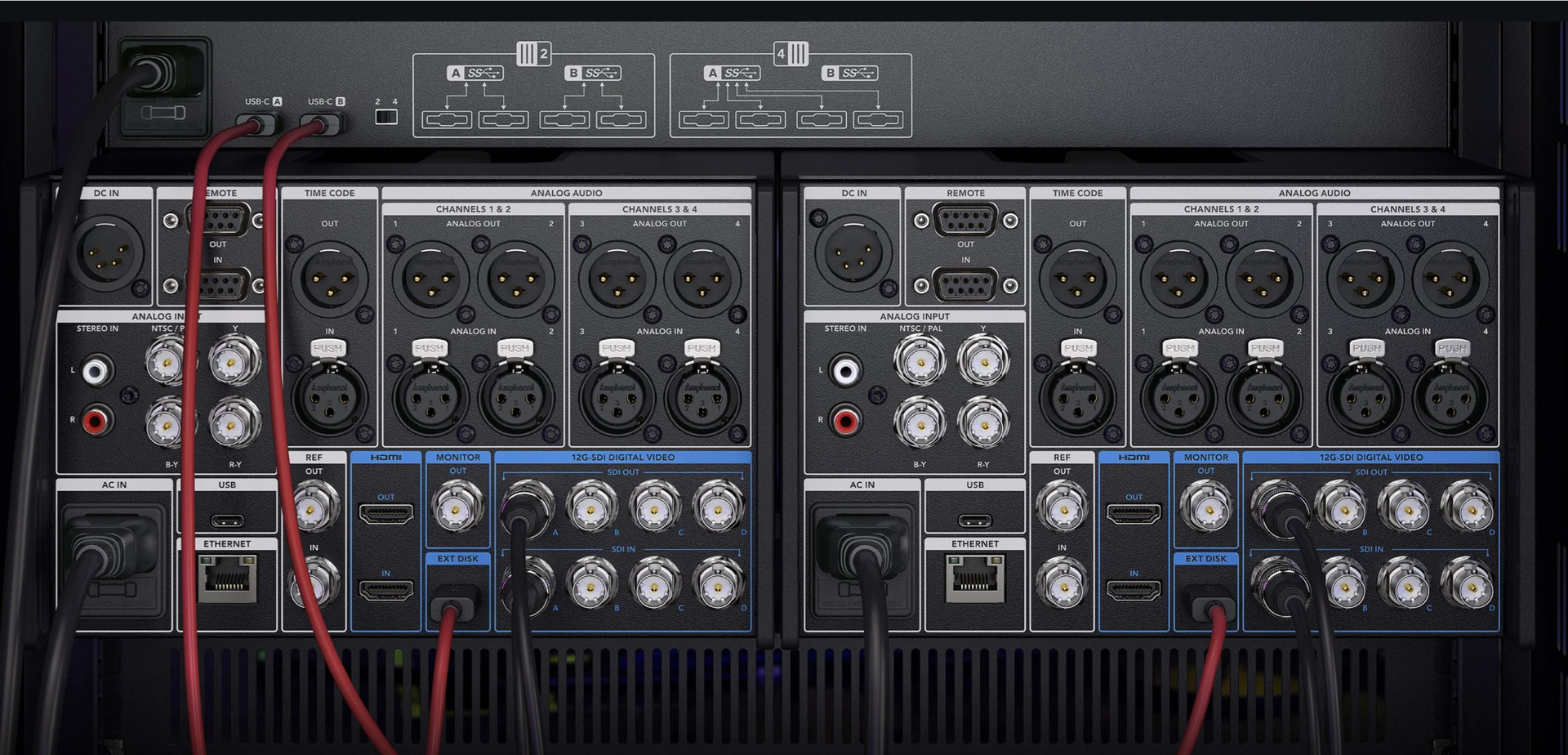
PRODUCT 04 · DIGITAL VIDEO RECORDER
MARISOFT DVRA robust, user-oriented DVR configured around the cameras, video formats, overlays and storage requirements of each subsea inspection campaign.
Explore MariSoft DVR ↓︎/ 01 — THE RECORDING WORKSPACE
MariSoft DVR brings live inspection video, recording controls, project tools, events, survey overlays and post-processing access into one configured workspace. The interface keeps the active operation visible while making capture and review functions immediately accessible.
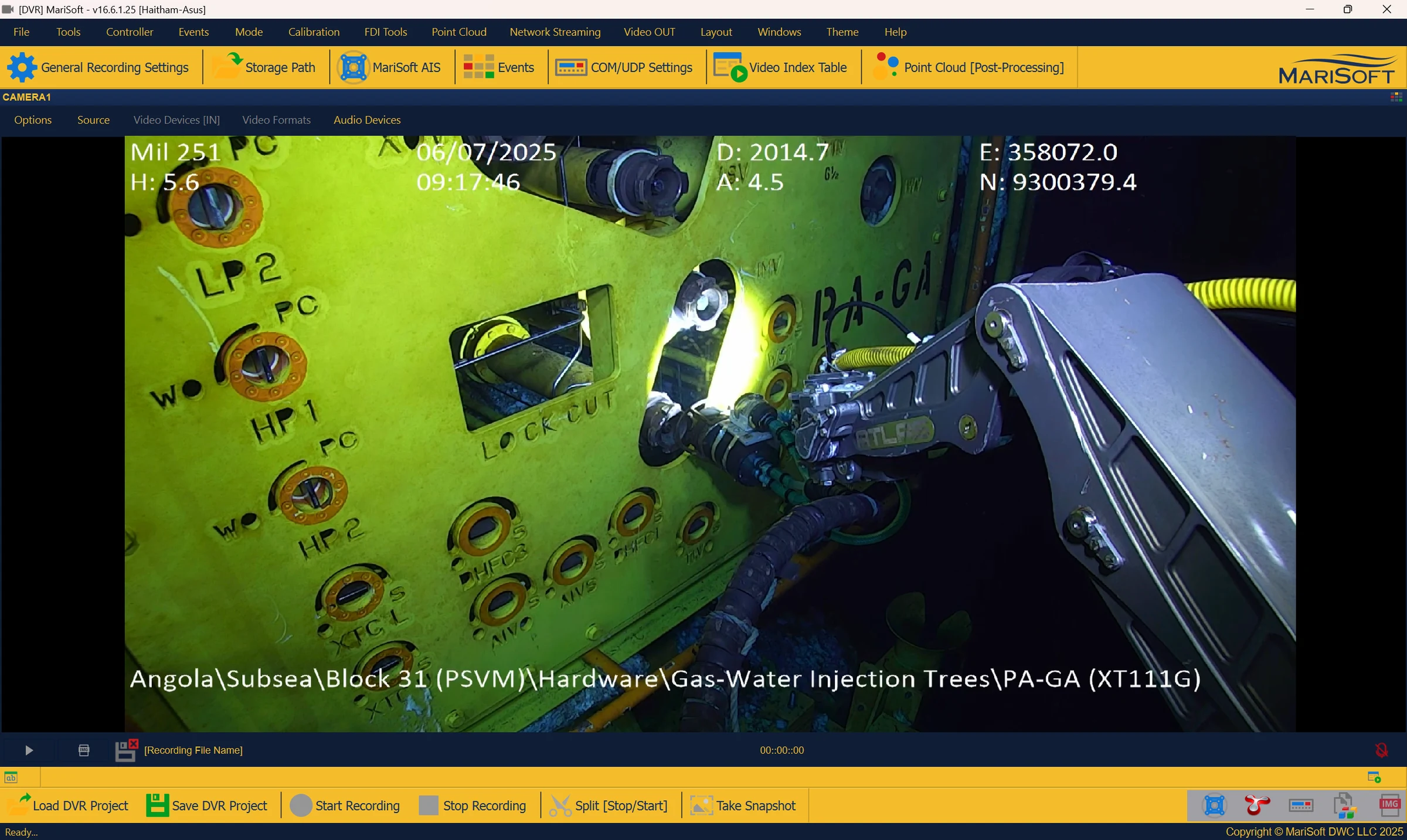
Live video, survey data, recording and inspection tools in one operating view.
/ 02 — INSPECTION WORKFLOW
Connect standard, high-definition or supported IP-camera sources around the inspection setup.
Capture one, two or four channels to configured local, removable or network storage.
Apply text and image overlays while preserving the information needed for later processing.
Grab images and clips, replay footage and return to historical inspection events.
Copy, re-encode or stream video and integrate the record with connected inspection tools.
/ 03 — CONFIGURED AROUND THE CAMPAIGN
Channel count, source type, recording quality, overlay behavior and storage are configured to match the work scope rather than forcing the operation into a fixed setup.
Choose 1, 2 or 4 standard- or high-definition channels and combine two cameras into one video file when required.
Record WMV or MPEG to USB media, network-attached storage, RDX and other configured destinations.
Add text and image overlays with resizing and alpha blending, enable or disable them, and record overlay data separately.
Configure WMV profiles for subsea inspection requirements and balance image quality, storage and operating needs.
Capture images and clips on the fly, use advanced playback and retrieve historical events without leaving the DVR workflow.
Support network video streaming, selected IP-camera formats and integration with compatible third-party products.
/ 04 — MULTI-CAMERA ACQUISITION
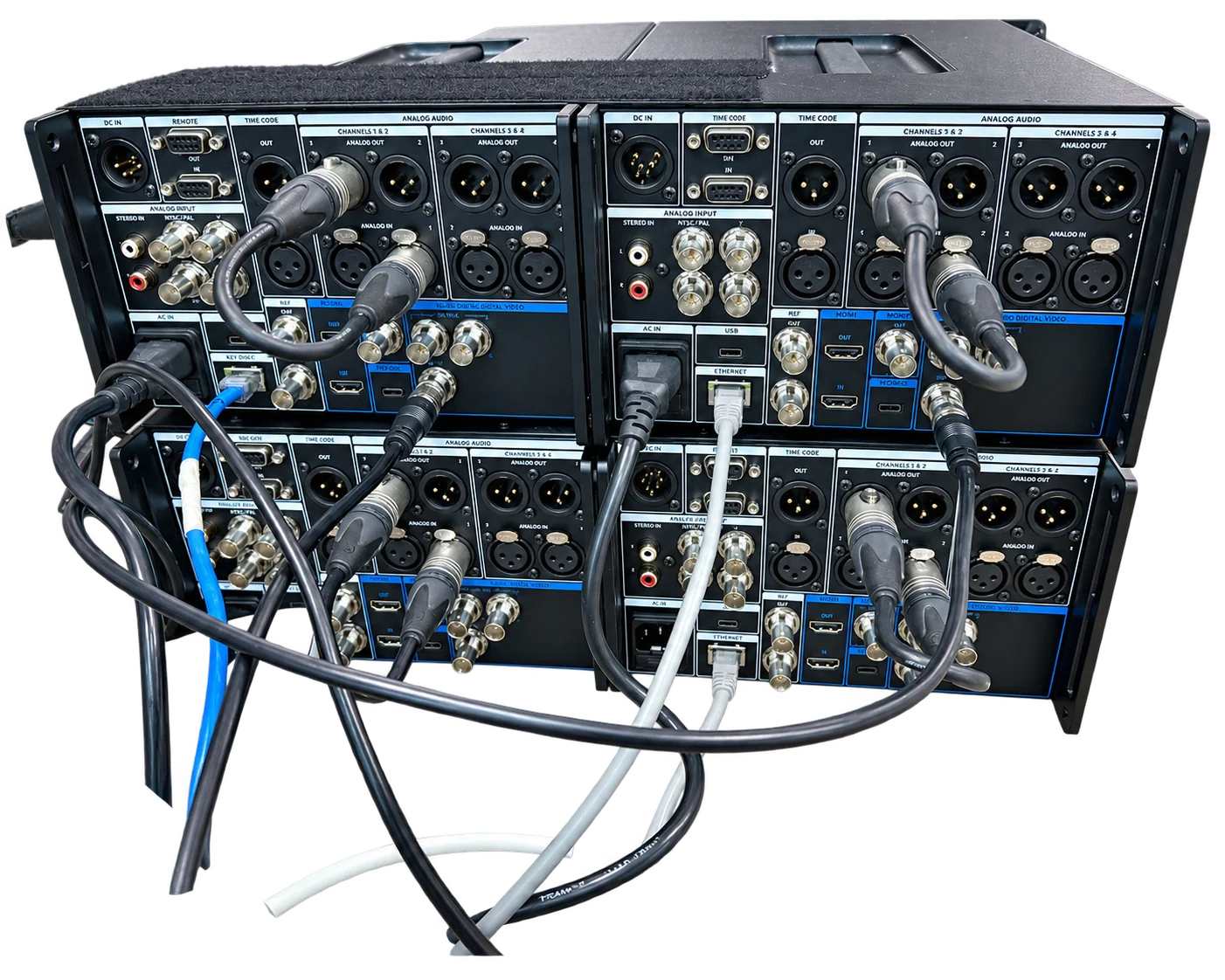
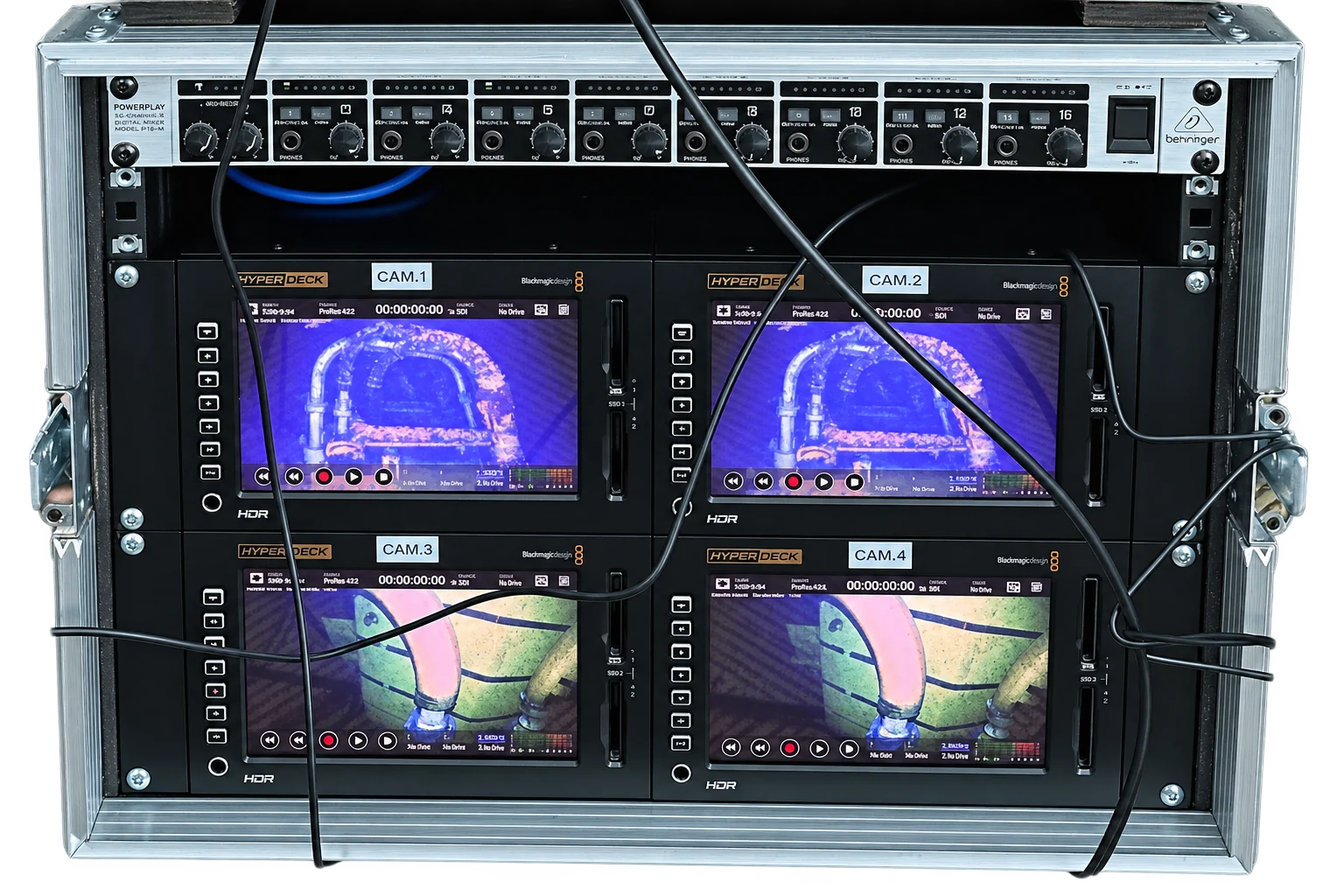
Use one, two or four channels, support video cards with several inputs or master/slave arrangements, and bring selected IP-camera sources into the same recording workflow.
CHANNEL OPTIONS
Support for standard- and high-definition acquisition.
Combine and record two camera views in a single video file.
Support for compatible MJPEG, JPG and ASF camera modes, including secured login.
Record the full screen or a selected monitor in multi-display operations.
/ 05 — BUILT FOR THE FIELD
Recording is only the beginning. MariSoft DVR helps the team extract evidence, revisit events, manage file duration and move campaign video into the next stage of review and delivery.
/ 06 — OVERLAYS + DELIVERY
Resize and blend text or image overlays, switch them on or off and preserve overlay information separately where required.
Change overlays, remove an audio stream or compress existing footage for the next delivery stage.
Stream live video across the network to support connected review and operational visibility.
Integrate with FUGRO events, generate compatible video-table data and connect to suitable third-party products.
/ CONFIGURE YOUR DVR
Tell us about your cameras, channels, overlays, storage and delivery requirements. We’ll help define the right MariSoft DVR configuration.
Discuss your DVR setup ↗︎info@marisoftoil.com